


Lorem ipsum dolor sit amet, consectetur adipiscing elit. Suspendisse varius enim in eros elementum tristique. Duis cursus, mi quis viverra ornare, eros dolor interdum nulla, ut commodo diam libero.

Written by Developer

1 minutes reading time

Introduction:
The Scroll Back to Top module is designed to enhance user experience by providing a quick and easy way for visitors to navigate back to the top of the page.
Installation:
- Visit the HubSpot Marketplace.
- Search for "Scroll Back to Top" module.
- Click "Install" to add the module to your HubSpot account.
Usage:
- After installation, locate the module in your HubSpot dashboard.
- Add the module to your desired page or template using the drag-and-drop builder.
- Customize the module settings as needed, including appearance and behavior.
Customization Options:
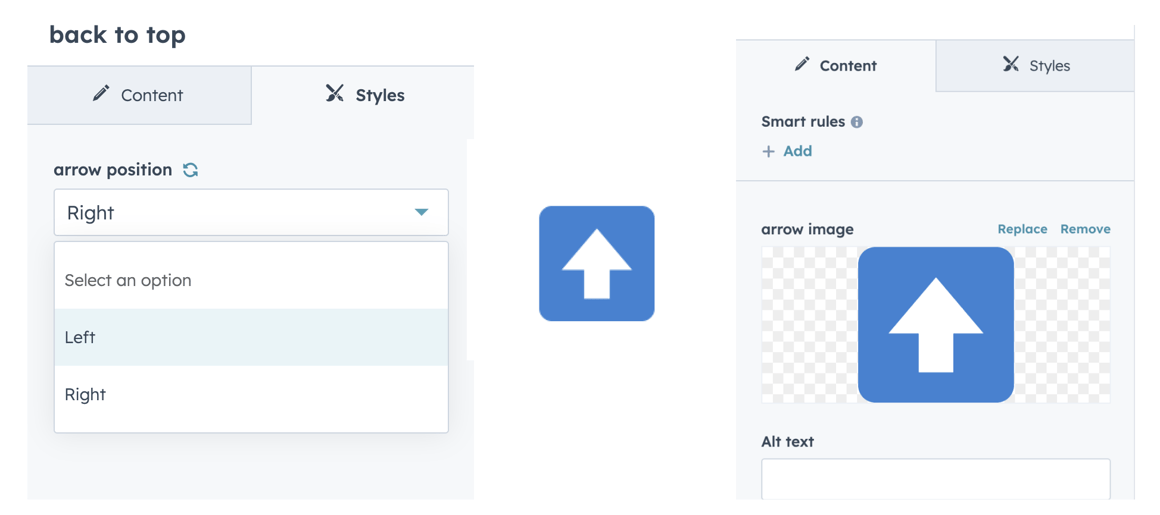
- Style: Choose from different styles to match your website's design.
- Position: Set the position of the scroll button on the page.
Support:
If you encounter any issues or have questions, reach out to our support team at hubspot@techclaro.com.
Feedback:
We value your feedback! If you have suggestions or encounter issues, please let us know at developer@techclaro.com
Note: Ensure that the module is placed within the desired section of your page for optimal functionality.